Introduction
Remote work has moved from occasional exception to permanent reality for many professionals, yet a genuinely productive home office setup requires more intentional thought than simply placing a laptop on a kitchen table and calling it workspace. The physical environment where you work significantly affects both productivity and long-term physical wellbeing, making thoughtful home office design a worthwhile investment rather than an afterthought. This guide walks through choosing and organizing your workspace location, ergonomic essentials worth prioritizing, technology and connectivity considerations, managing distractions in shared living spaces, and creating psychological separation between work and home life despite sharing the same physical location. The goal is helping you build a home office that genuinely supports sustained productivity and physical comfort rather than one that undermines both through poor planning and setup.
A productive home office isn’t about replicating a traditional corporate environment—it’s about creating a space that genuinely supports your specific work, comfort, and mental separation needs within your actual available space and budget.
Choosing and Organizing Your Workspace Location
Dedicating a specific area exclusively to work, even within a shared multi-purpose room, helps create the psychological association between that space and focused work mode that a constantly shifting work location undermines. This dedicated space doesn’t need to be an entire separate room—a consistently used corner or desk area provides similar psychological benefit within more limited housing situations.
Natural light exposure genuinely affects mood, energy, and even sleep quality through its influence on circadian rhythm regulation, making a workspace near a window worth prioritizing when your living situation allows this choice. For those without this option, quality artificial lighting that mimics natural light characteristics can partially compensate for this environmental limitation.
Ergonomic Essentials Worth Prioritizing
A supportive chair, adjusted to proper height and providing adequate lower back support, prevents the physical discomfort and potential long-term issues that hours of daily desk work can otherwise cause without adequate ergonomic consideration. This is genuinely one of the highest-priority home office investments given how many hours most remote workers spend seated at their workspace daily.
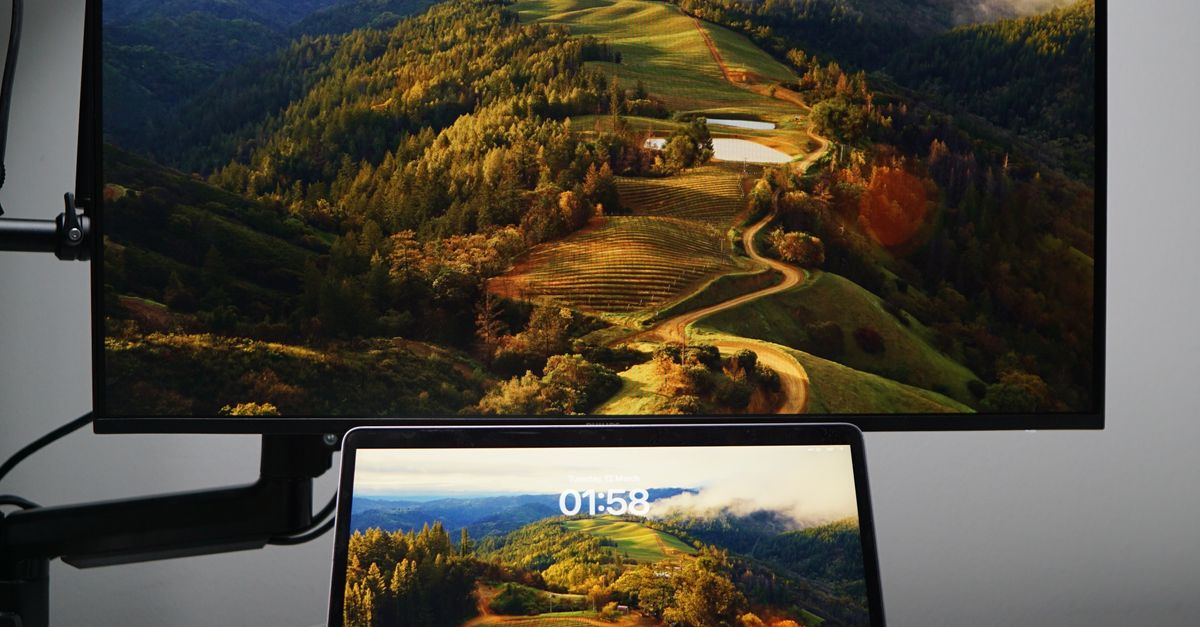
Monitor height, ideally positioned with the top of the screen at or slightly below eye level, prevents the neck strain that looking down at a laptop screen for extended periods commonly causes. A separate monitor, or a simple laptop stand combined with an external keyboard and mouse, addresses this common ergonomic issue for laptop-primary remote workers without requiring significant expense.
Technology and Connectivity Considerations
Reliable internet connectivity is non-negotiable for most remote work, making it worth understanding your specific connection’s actual speed and reliability, particularly during peak usage times when household internet demand is highest across multiple users and devices simultaneously. A wired ethernet connection, where feasible, typically provides more stable connectivity than relying solely on Wi-Fi for video calls and other bandwidth-intensive work tasks.
Backup connectivity options, whether a mobile hotspot or knowledge of a nearby location with reliable internet, provide contingency for the inevitable connectivity issues that eventually affect even generally reliable home internet service, preventing complete work disruption during these occasional but genuinely disruptive outages.
Managing Distractions in Shared Living Spaces
Households with multiple people working or attending school from home simultaneously face genuine coordination challenges around noise, video call timing, and shared space access that require explicit discussion and agreed-upon systems rather than assuming these conflicts will resolve themselves naturally. Establishing clear signals or schedules for quiet time versus more flexible periods helps household members coordinate around each other’s actual needs.
Noise-canceling headphones provide a practical individual solution for concentration in noisy shared environments, while also signaling to household members that you’re currently in focused work mode, functioning as a visual cue similar to a closed office door in a traditional workplace setting.
Creating Psychological Work-Home Separation
Without a physical commute marking the transition between work and home life, remote workers often struggle with the psychological separation that helps maintain healthy boundaries between these different life domains. Creating simple transition rituals—a short walk before and after work hours, changing clothes, or specific music that signals mode transitions—can partially replace the psychological function that commuting previously served.
Physically putting away work materials at the end of your workday, even in a shared-space setup where a dedicated office isn’t available, provides a visual and practical signal that work time has ended, supporting better psychological separation than leaving work materials visible and accessible throughout evening and personal time.
Lighting and Video Call Considerations
Beyond general workspace lighting, specific consideration for video call appearance matters for many remote workers’ professional presentation during frequent virtual meetings. Positioning your camera at eye level and ensuring adequate front-facing light, rather than backlighting from a window behind you, produces a more professional, clearly visible video call appearance without requiring expensive specialized equipment.
A simple, uncluttered background, whether your actual workspace or a virtual background option, reduces potential distractions for meeting participants while also maintaining reasonable privacy about your actual living space during professional video interactions with colleagues and clients.
Storage and Organization for Remote Work
Even compact home office setups benefit from some dedicated storage for work materials, preventing the accumulation of papers, cables, and supplies that can otherwise spread into and disrupt shared living spaces beyond your designated work area. Simple organizational solutions, matched to your specific space constraints, keep work materials contained and your living space functioning well for non-work purposes too.

Cable management, while seemingly minor, genuinely improves both the visual clarity and physical safety of a home office space, preventing the tangled cord chaos that can otherwise develop around a desk with a computer, monitor, charging devices, and other connected technology.
Budget-Conscious Home Office Setup
A genuinely functional home office doesn’t require significant upfront investment, with many essential improvements achievable through budget-conscious choices and gradual accumulation of key pieces over time rather than an expensive all-at-once setup. Prioritizing the ergonomic essentials discussed earlier, even with budget furniture, provides more genuine benefit than expensive aesthetic choices that don’t address physical comfort and support.
Secondhand office furniture, often available at significant discount compared to new pieces, can provide quality ergonomic support at meaningfully reduced cost, particularly for items like office chairs where quality construction matters more than aesthetic newness for genuine daily comfort and support.
Adapting Your Setup as Needs Evolve
Home office needs often evolve as your specific role, work patterns, or living situation changes over time, making periodic reassessment of your setup’s continued effectiveness worthwhile rather than assuming your initial configuration should remain permanently fixed regardless of changing circumstances. This might mean adjusting for new equipment needs, changed household composition, or simply lessons learned about what specifically works well for your individual work style.
Soliciting feedback from your own body about physical comfort, and honestly assessing your actual productivity and focus within your current setup, provides ongoing guidance for these ongoing adjustments rather than treating your original setup decisions as permanently fixed and unchangeable.
Temperature, Air Quality, and Comfort Factors
Physical comfort factors beyond furniture and lighting, including room temperature and air quality, genuinely affect sustained focus and cognitive performance throughout a workday, though they’re often overlooked entirely when planning home office setups. A workspace that’s too warm or stuffy can noticeably reduce alertness and comfort during extended work sessions compared to a well-ventilated, appropriately tempered environment.
Simple additions like a small fan for air circulation, or attention to natural ventilation through windows when weather permits, can meaningfully improve workspace comfort without significant investment, addressing a genuinely important but frequently overlooked dimension of home office setup and design.
Conclusion
Building a genuinely productive home office requires intentional attention to workspace location, ergonomic essentials, technology reliability, and psychological work-home separation, rather than an afterthought setup that undermines both productivity and physical comfort. Managing distractions in shared living spaces and creating appropriate boundaries, even without a physical commute, support the sustained focus that effective remote work genuinely requires. With thoughtful setup and periodic adjustment as needs evolve, a home office can provide a genuinely productive, comfortable foundation for long-term remote work success.
FAQs
1. Do I need a separate room for an effective home office?
Not necessarily. A consistently used dedicated area, even within a shared room, provides similar psychological benefit to a completely separate office space for most remote workers.
2. What’s the single most important home office investment?
A supportive, properly adjusted chair generally provides the most significant benefit given how many hours most remote workers spend seated at their workspace throughout each workday.
3. How do I handle noise from other household members during work hours?
Establish clear communication about schedules and quiet time needs, and consider noise-canceling headphones as a practical individual solution for concentration.
4. Is a separate monitor really necessary for remote work?
Not strictly necessary, but it genuinely improves ergonomics and often productivity compared to relying solely on a laptop screen for extended daily work sessions.
5. How can I create work-home separation without a physical commute?
Simple transition rituals like a short walk, changing clothes, or putting away work materials at day’s end can partially replace the psychological function commuting previously served.